

 001.Autocad Blocks
 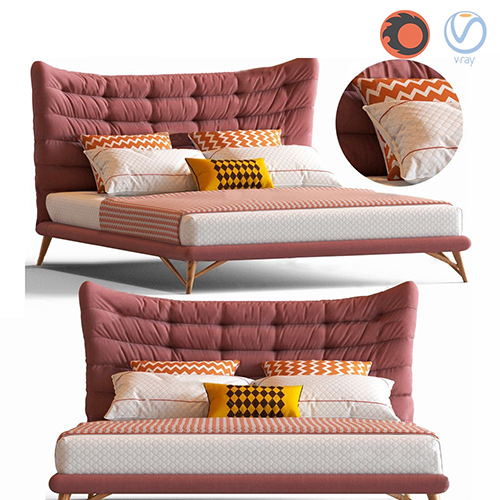 1.Furniture
  Arm chair
 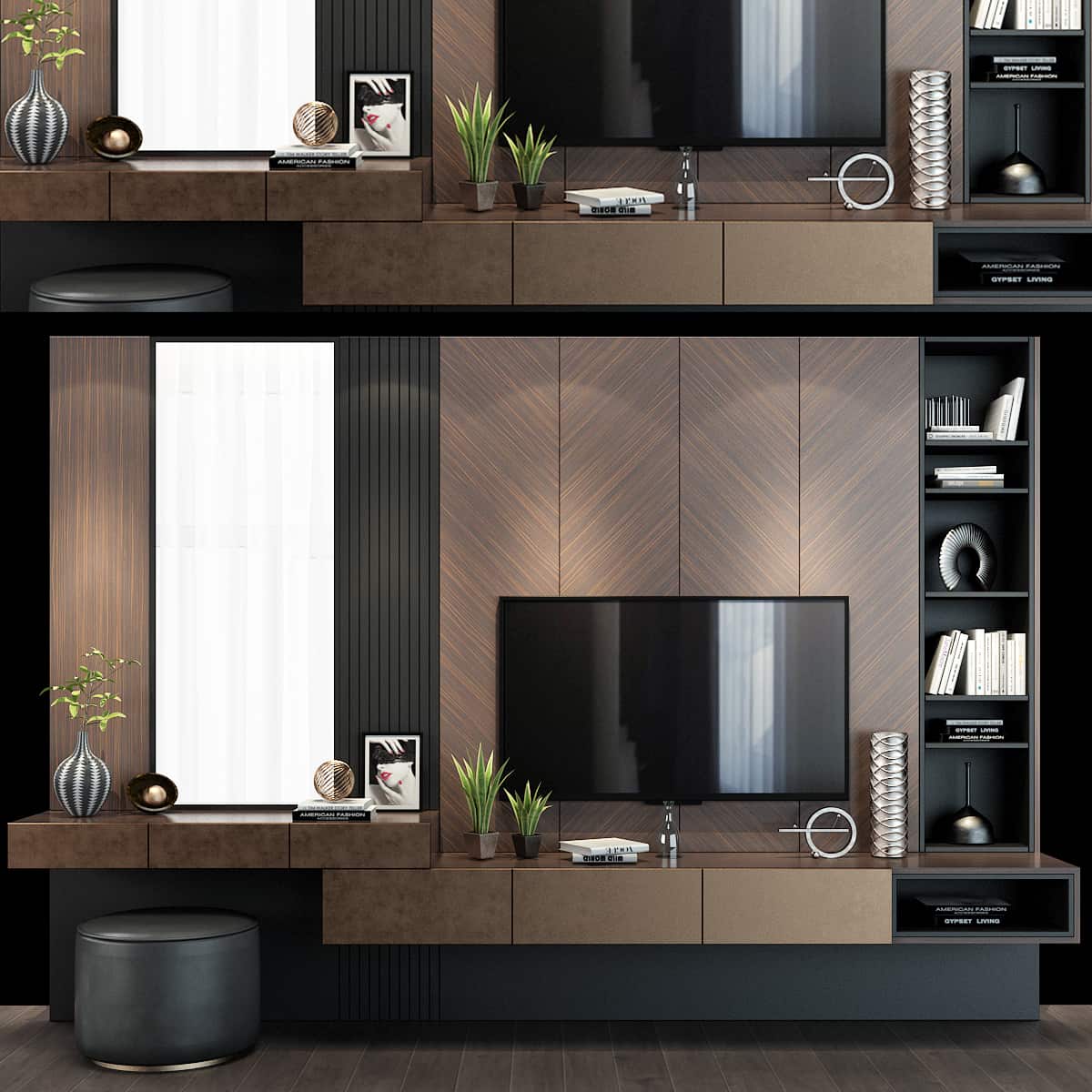 TV Wall
 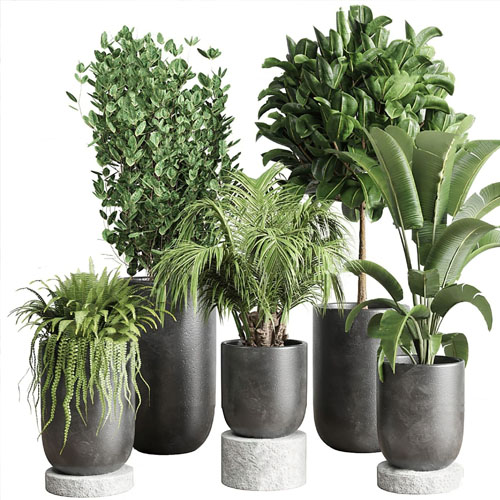 2.Decoration
  1.Plants
  2.Vase
 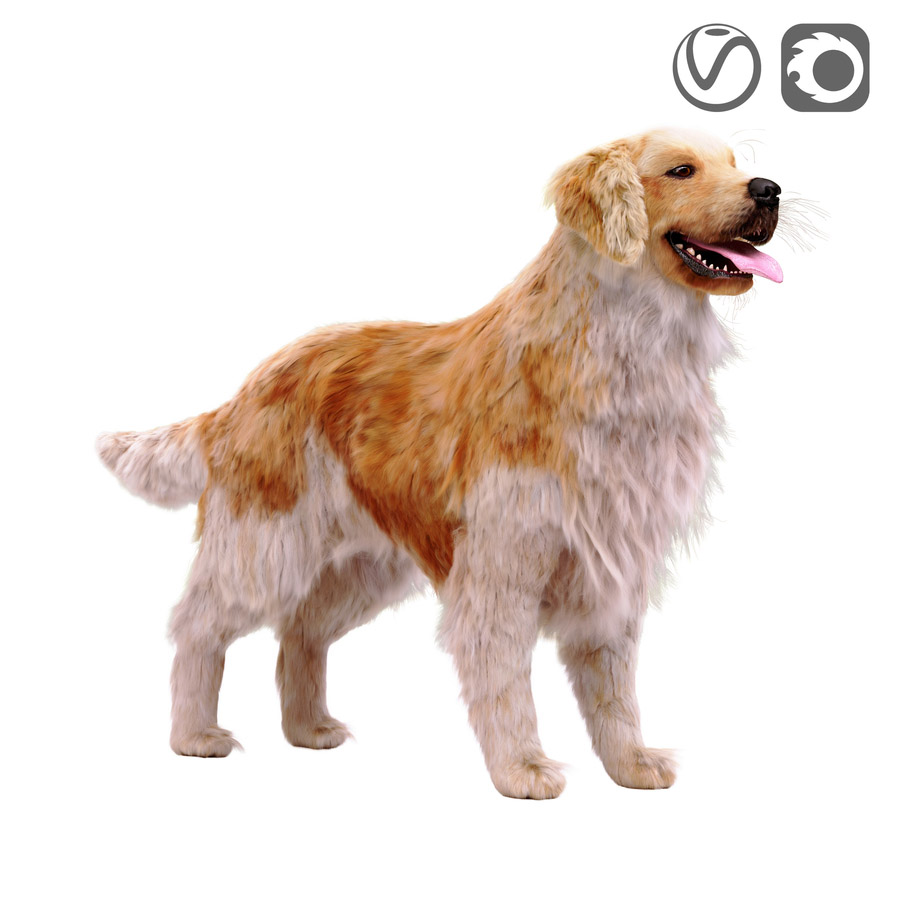 3.Animal
 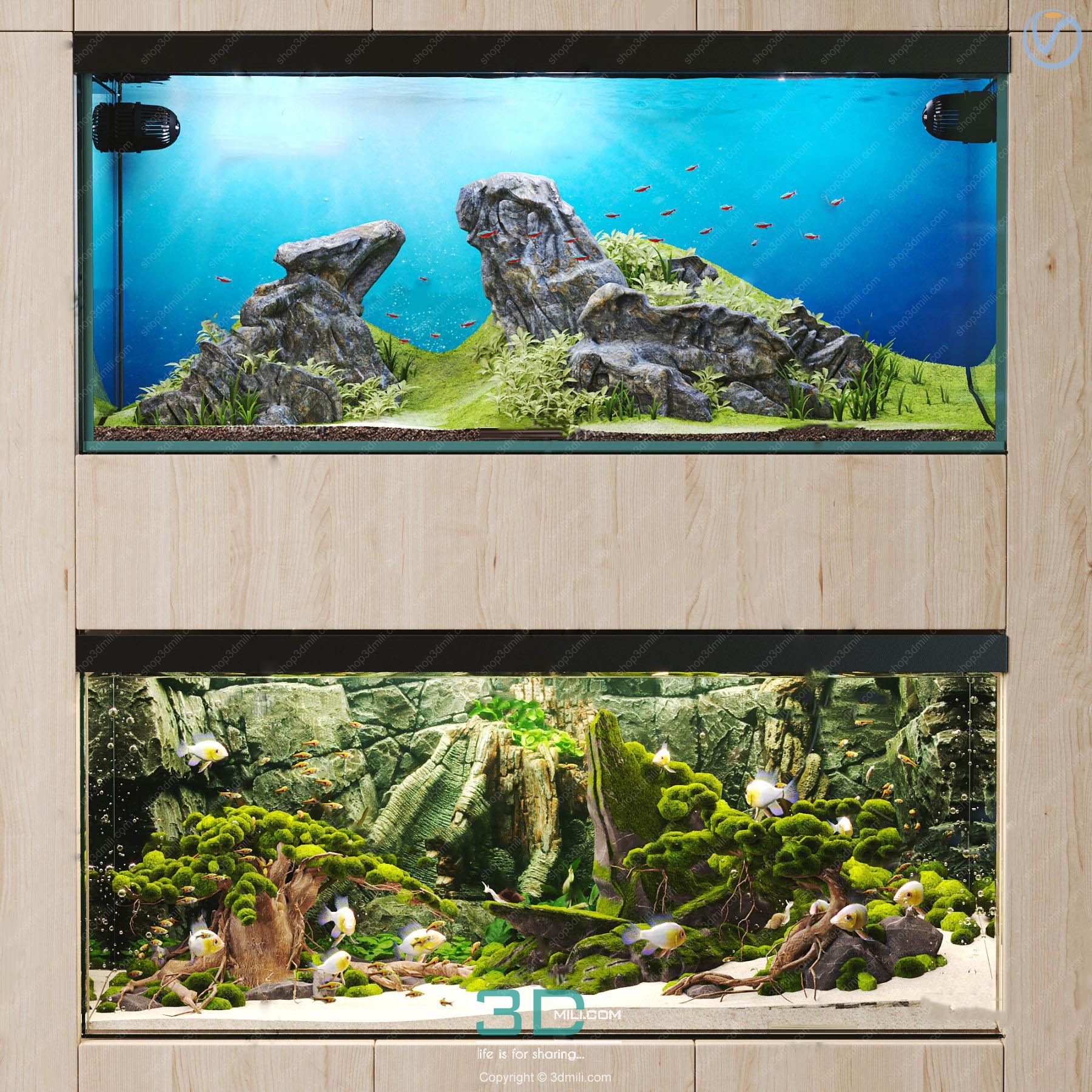 Aquarium
  Car – Bike
 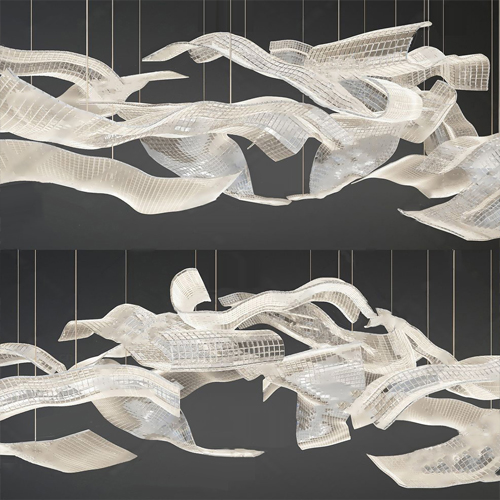 3.Lighting
 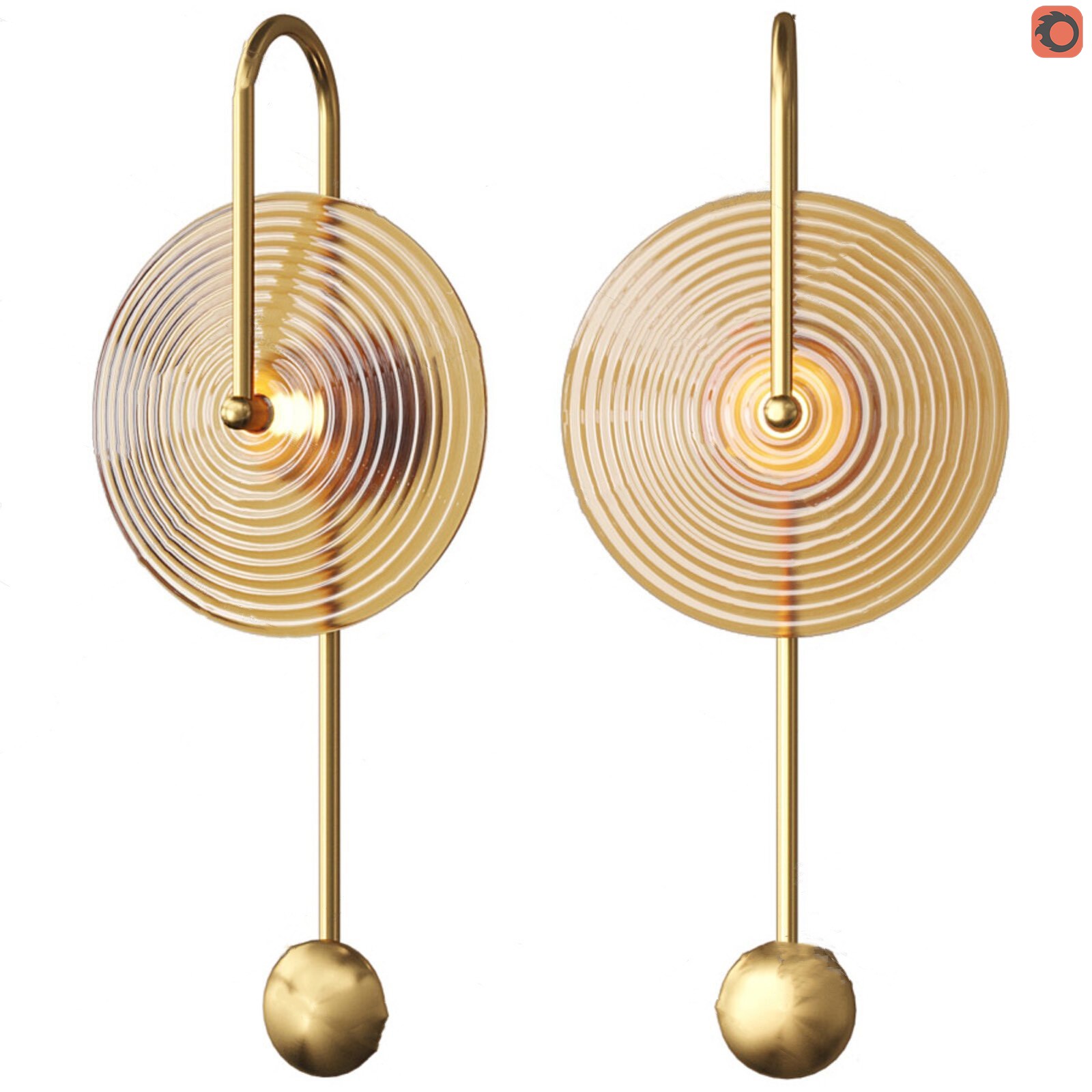 Wall light
  3dsky Model PRO
 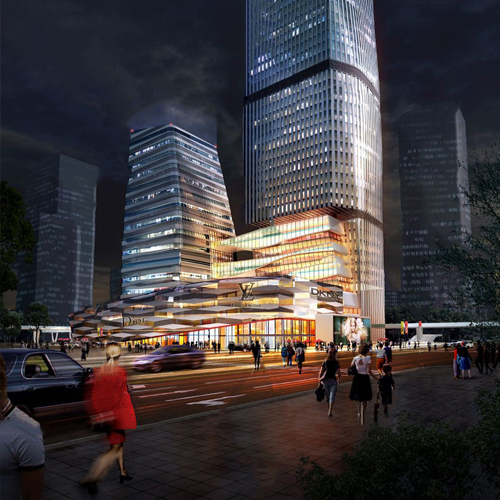 Architecture
 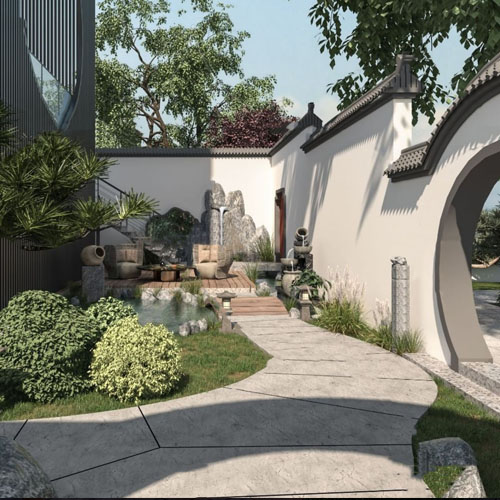 Miniature Garden
 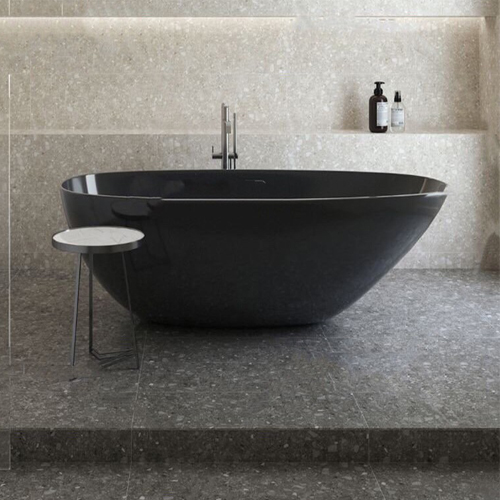 Bathroom
  Childroom
 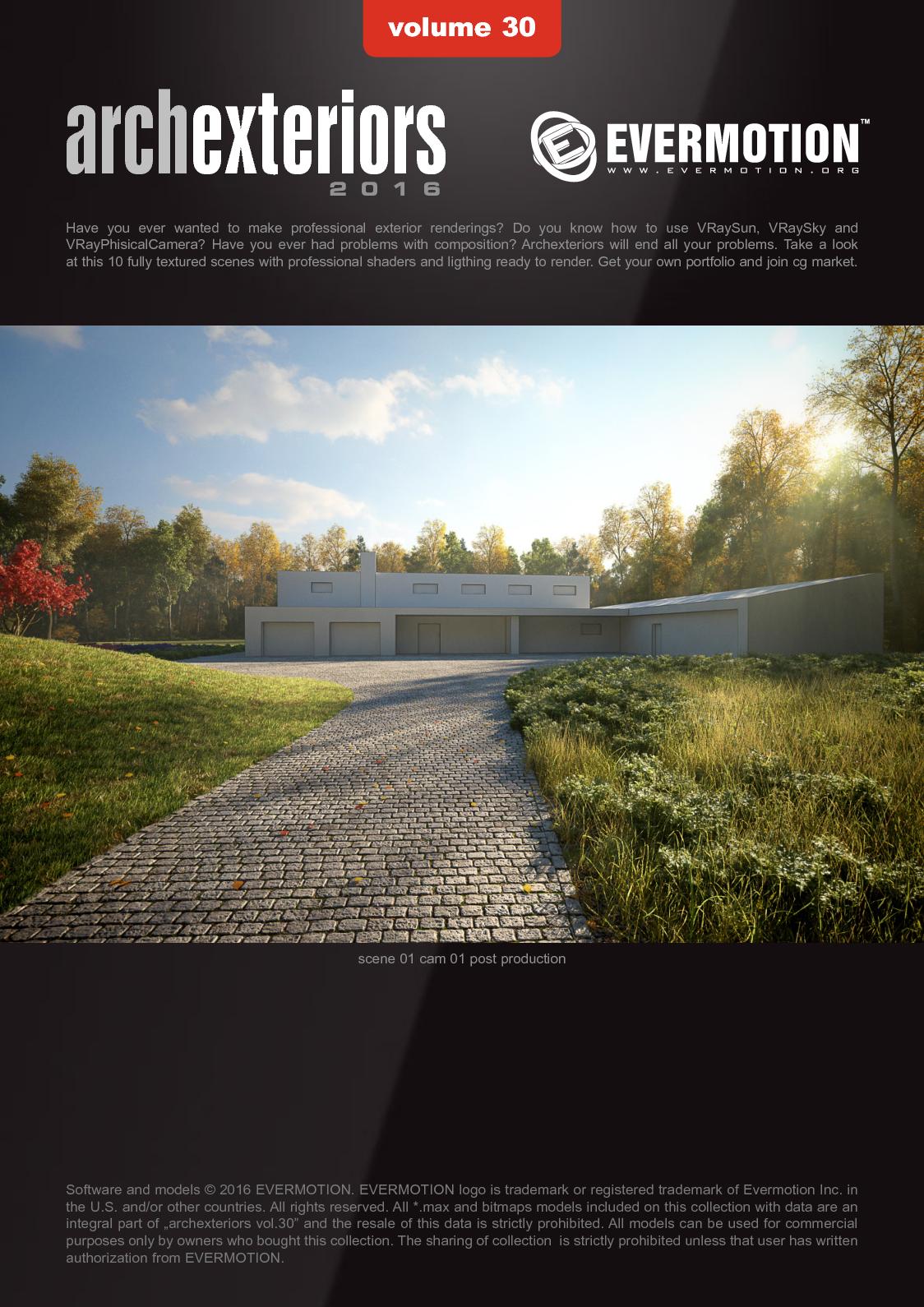 Evermotion Archexteriors
  FREE
FREE  Kitchen
  Materials
  Stone
Stone  Tile
Tile  OFFICE FURNITURE
  Sketchup
  Technology
  Textures
  Vip
Vip  3ds Max
  Photoshop
  Plugin
  Software



















[FLASH SALE SUMMER – 2026]
.

CODE DISCOUNT: 3DMILI20

Chaos Corona 14 For 3DsMax 2018 – 2026
Chaos Corona 14 For 3DsMax 2018 – 2026
What is Chaos Corona 14?
⚙️Chaos Corona for 3ds Max is a physically-based rendering software developed specifically for Autodesk 3ds Max, focusing on realism, stability, and a smooth workflow. Unlike engines requiring complex configurations, Corona aims to help users:
Set up scenes faster
Setting up lighting is easier to understand.
More intuitive material control
Focus more on design ideas, rather than “fighting” with specifications.
Chaos Corona 14 for Autodesk 3DsMax marks a significant maturation, as Corona is not only “easy to use,” but also more powerful, deep, and flexible for large projects.
Download Chaos Corona 14 For 3DsMax
Download Chaos Corona 14 For 3DsMax
Download Chaos Corona 14 for 3DsMax 2018-2026 – Full Plugin Download
If you’re working in architecture or interior design and want to focus more on design rather than technical skills, 🌈Corona 14 is the tool to help you go further and more sustainably on your creative journey. Download and experience it now!!!
Password Unzip: shop3dmili.com
System requirements for installing Chaos Corona 14 for 3DsMax
3ds Max 2018 – 2026 (full support for both older and newer versions)
CPU: Minimum 4 cores (8+ cores recommended)
RAM: Minimum 16 GB (64 GB recommended for demanding scenes)
GPU: Not required, but if using NVIDIA Denoiser, a GTX 10xx or higher graphics card is needed.
Hard drive space: 2 GB for installation (scenes and textures are up to you)
This version maintains the “lightweight” tradition of Corona. You can easily run it on mid-to-high-end laptops without it overheating.
🔥What’s New in Chaos Corona 14 for 3ds Max 2018-2026?
Brand new Corona Decal – “Stick” anything in a snap!
Stickers, stains, cracks, logos, moss… now you can just drag and drop decals and be done.
No complex UV processing is required, and no damage to the original material is necessary.
🪟💦Special feature: The decal works perfectly on glass and even in water!
New materials: Thin Glass, Clearcoat Absorption, Improved Sheen
Thin lenses are now truly thin; you no longer need to manually select “Thin”.
Clearcoat can absorb color – now your glossy painted car will have its true paint color under the clear coat!
Fabrics, leather sofas… and fluffy fur are all much smoother thanks to the upgraded Sheen.
Chaos Scatter 2.0 – Jungle in just one click
Even with millions of trees, rocks, and grass scattered around, VRAM can still “breathe”.
Edge trimming automatically cuts grass close to the curb and walls.
🌳🌿Scatter based on spline, surface, camera distance… whatever you want, we have it!
The new “god-level” denoising – NVIDIA, Intel, Apple Silicon
No matter which GPU you use, your images will be “cleaned up” in an instant.
The 5-minute render is now as clean as it was 2 hours ago.
😱What about the remaining noise? Almost zero!
LightMix upgrade + LUT + Tone Mapping in VFB
Adjusting lighting after rendering? Easy peasy.
Apply LUTs directly to images in Corona VFB, no Photoshop required.
Changing your mood from bright sunshine to sunset only takes 10 seconds.
Pyro effect – Fire + Smoke right in 3ds Max
Experience incredibly realistic fire and smoke simulations without needing FumeFX or Phoenix.
Combine it with Scatter to create 🔥incredibly realistic scenes of wildfires, fireplaces, cigarette smoke, and more!


