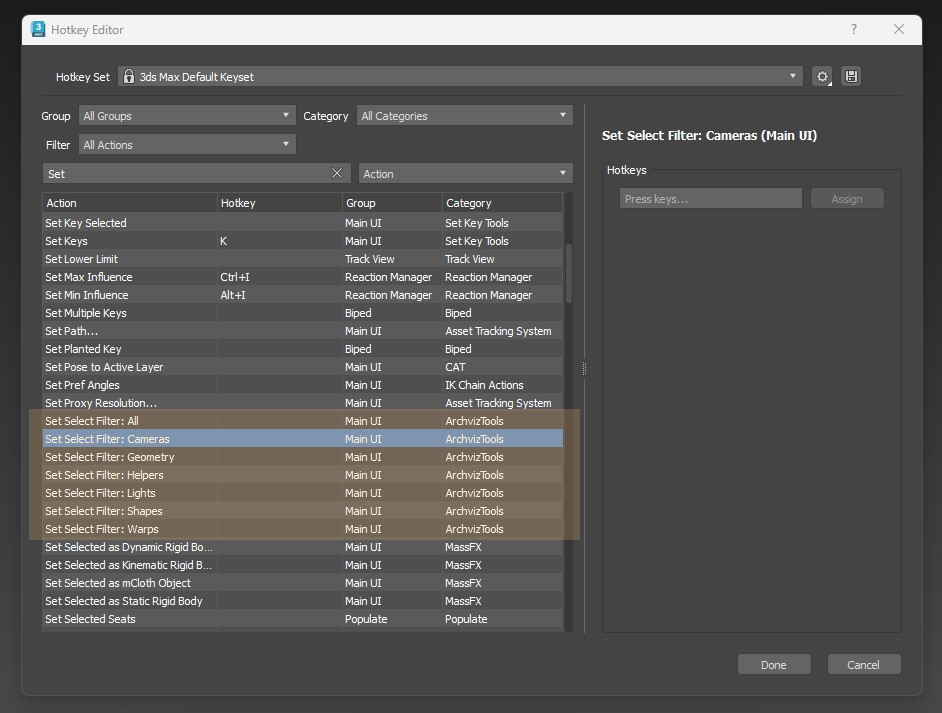
MultiTexture Map is a plugin for 3dsmax that loads multiple textures and assigns them randomly, either by object or by material ID. With controls to randomly adjust the gamma, hue and saturation.
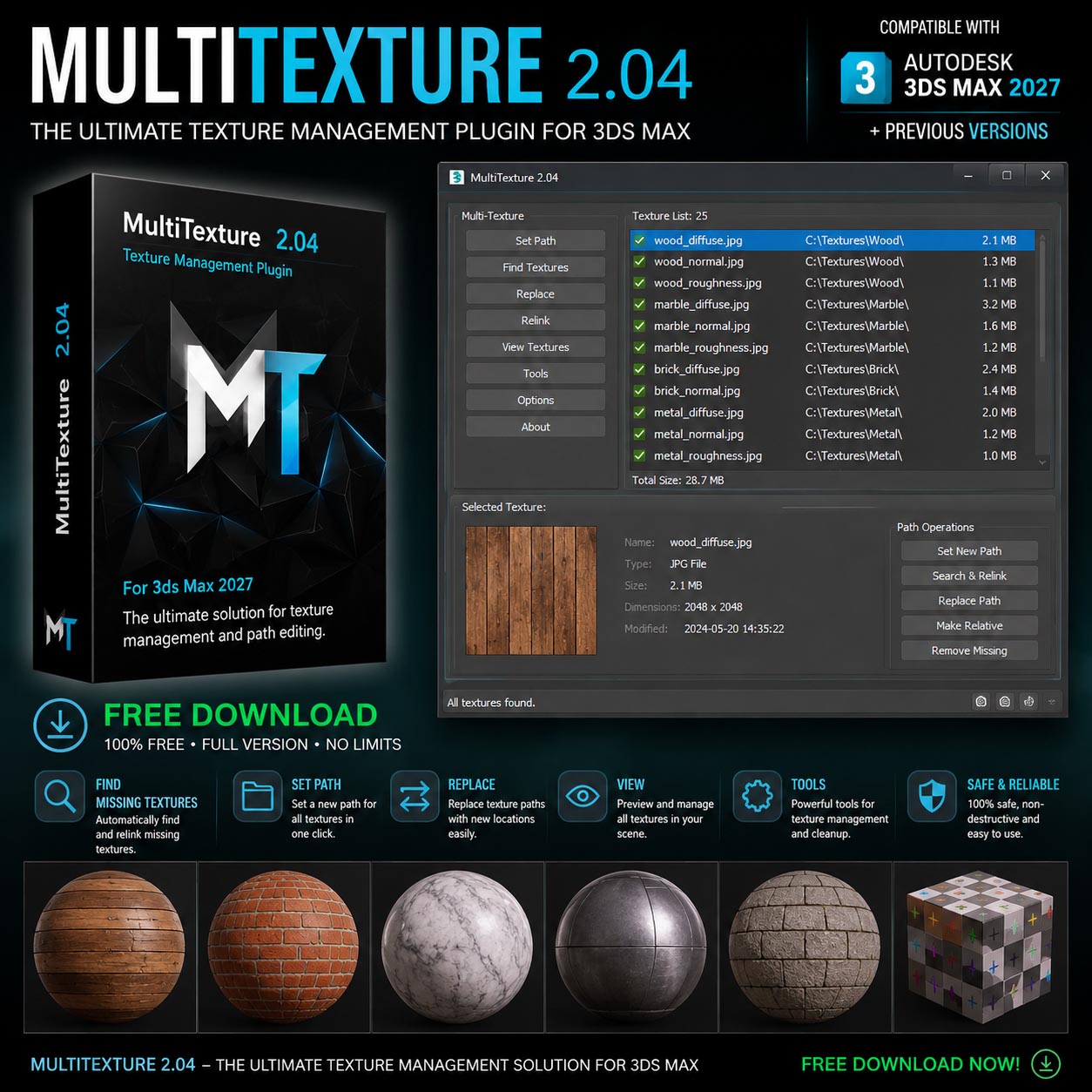
Version 2.04 works with 3ds Max from 2012 up to the current 2027 release. It’s compatible with scanline, Vray and Arnold with “Legacy 3ds Max Map support” turned on.
- – Randomly loads textures
- – Easy color adjustment
- – Random color adjustment
- – Works with FloorGenerator

Installation Guide
Install MultiTexture 2.04
-
Copy the MultiTexture_3dsMax2027_64.dlt file into your 3ds Max 2027 stdplugs folder:
- Launch 3ds Max 2027.
- Open the Material Editor and create a VRayMtl (or any compatible material).
- In the Diffuse slot, click Map and select MultiTexture.
- Click Manage Textures, then add the textures you want to use.
- Installation complete.
Note
- Make sure you are using the MultiTexture 2.04 version compatible with 3ds Max 2027.
- If the plugin does not appear in the Material Editor, restart 3ds Max after copying the plugin file.
- Ensure the plugin file is placed in the correct stdplugs directory.


 001.Autocad Blocks
 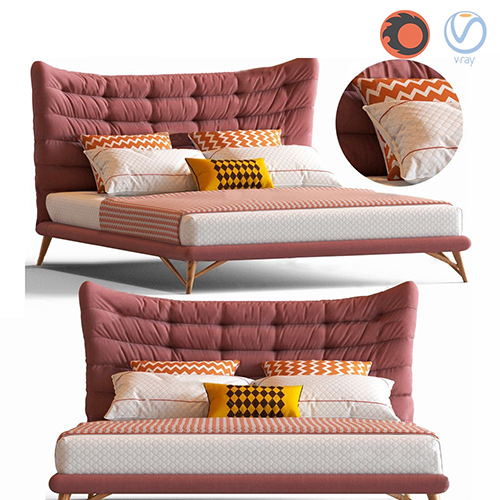 1.Furniture
  Arm chair
  TV Wall
  2.Decoration
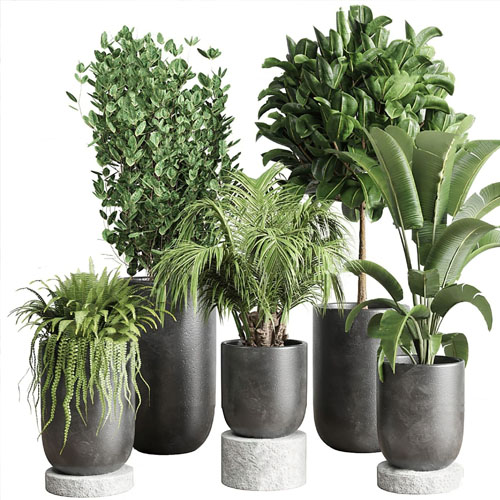
  1.Plants
  2.Vase
 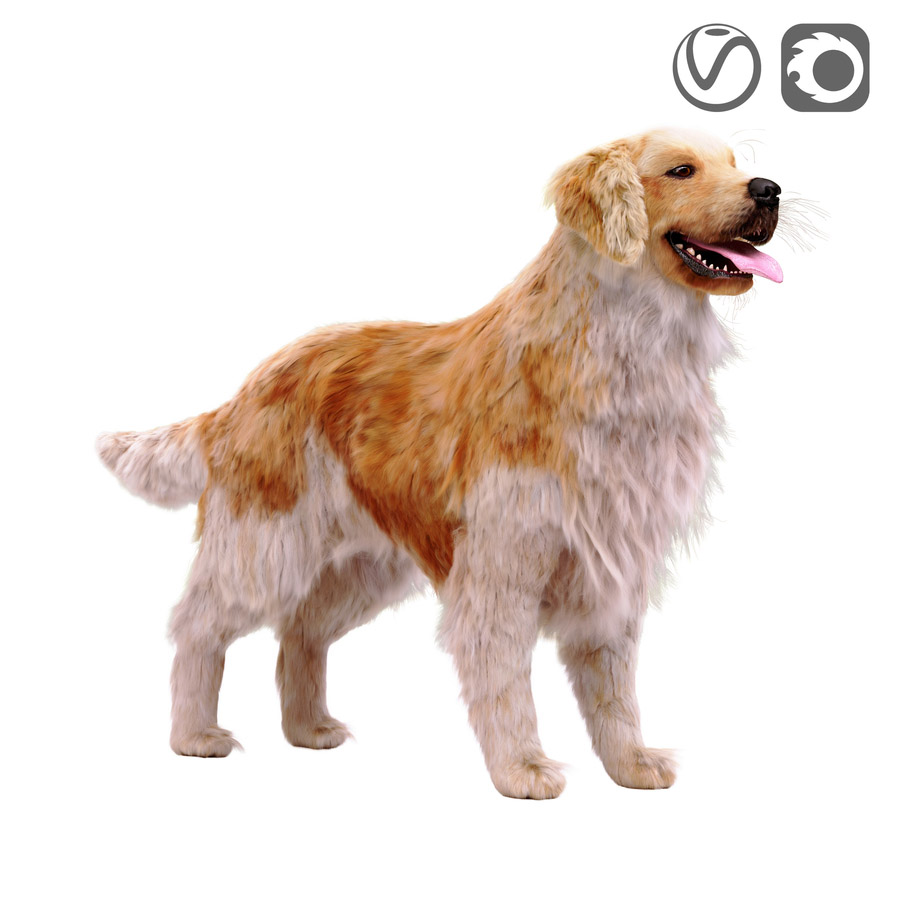 3.Animal
 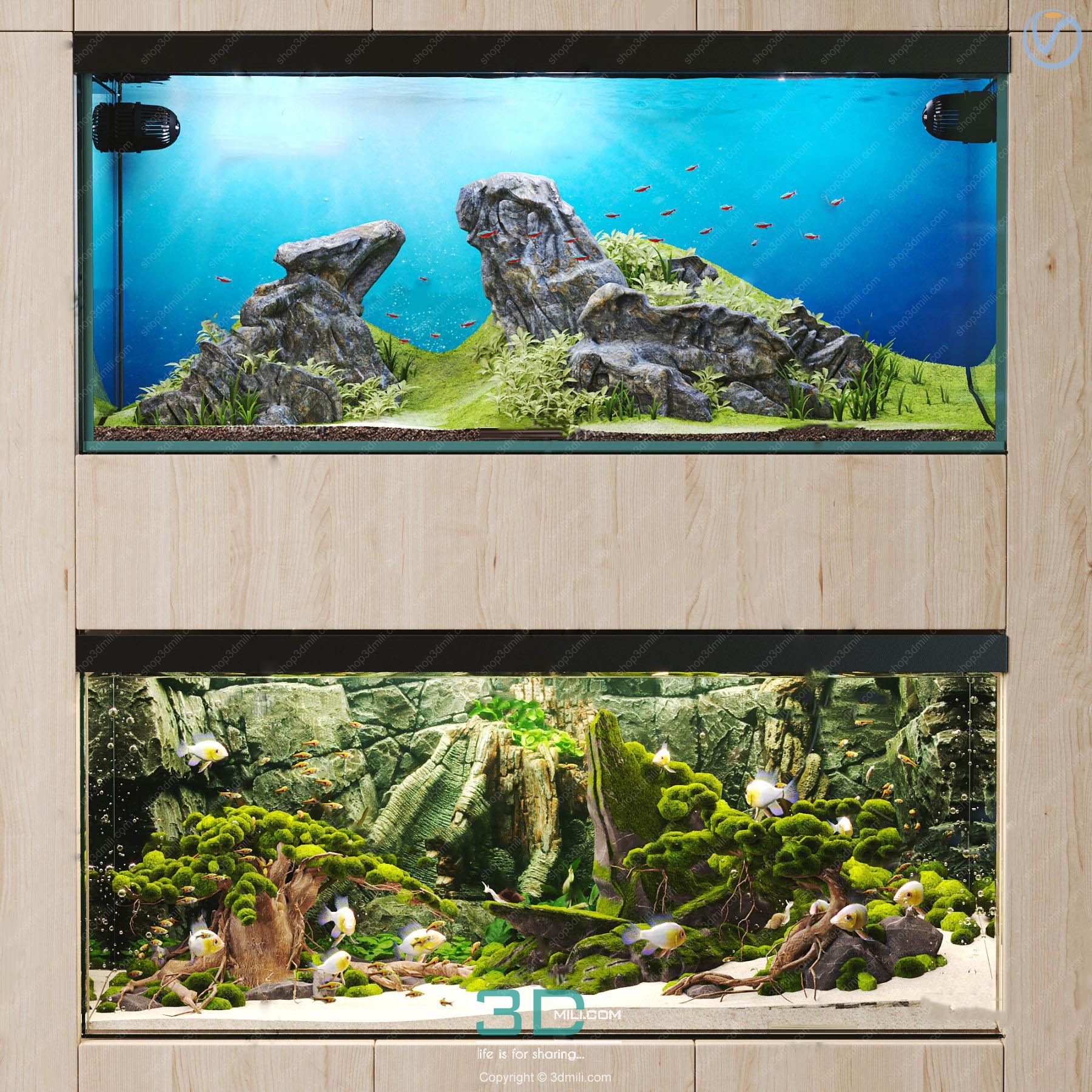 Aquarium
  Car – Bike
 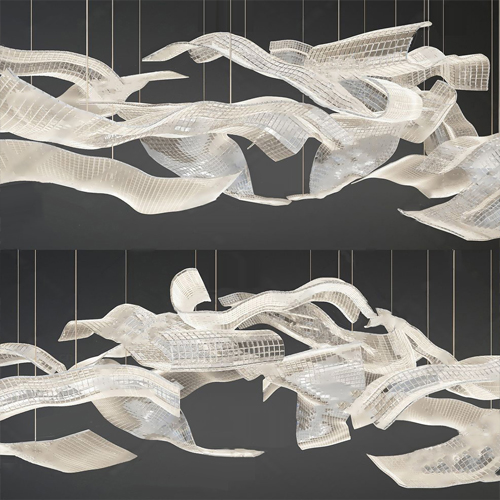 3.Lighting
  Wall light
  3dsky Model PRO
  Architecture
  Miniature Garden
 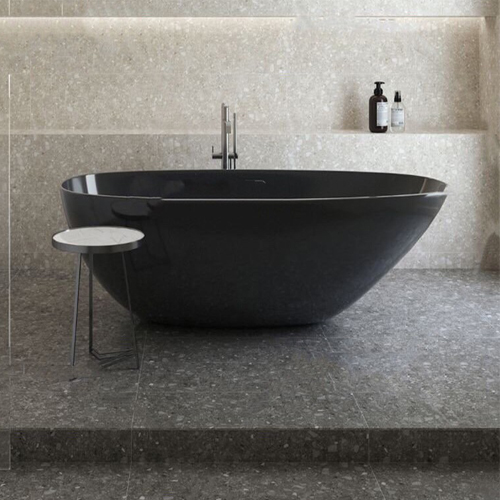 Bathroom
  Childroom
  Evermotion Archexteriors
  FREE
FREE  Kitchen
  Materials
  Stone
Stone  Tile
Tile  OFFICE FURNITURE
  Sketchup
  Technology
  Textures
  Vip
Vip  3ds Max
  Photoshop
  Plugin
  Software