

 001.Autocad Blocks
 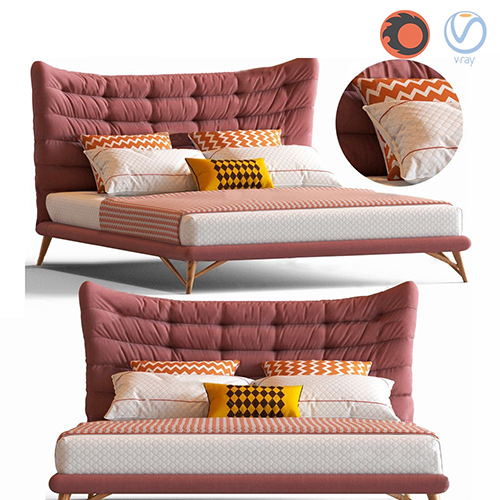 1.Furniture
  Arm chair
 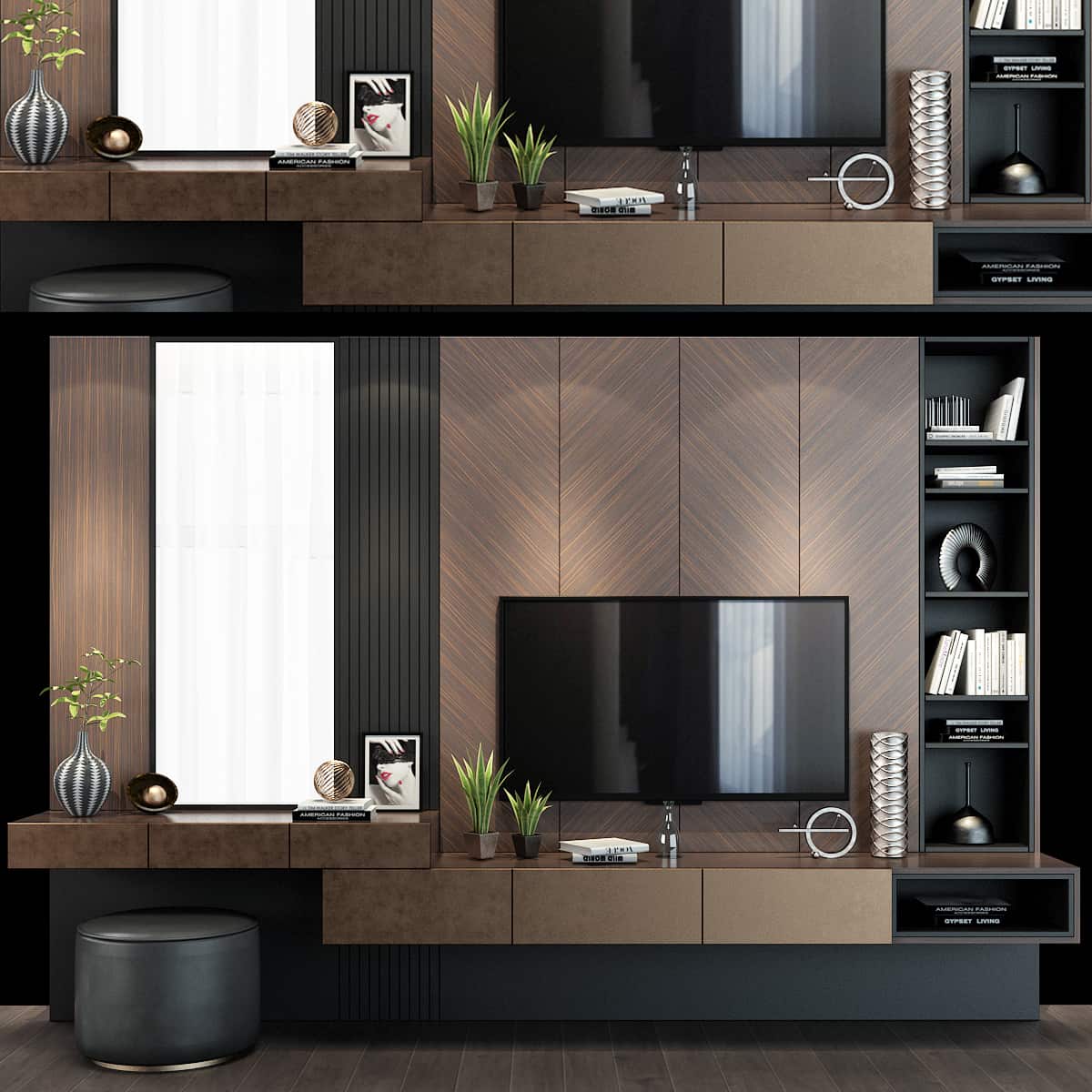 TV Wall
 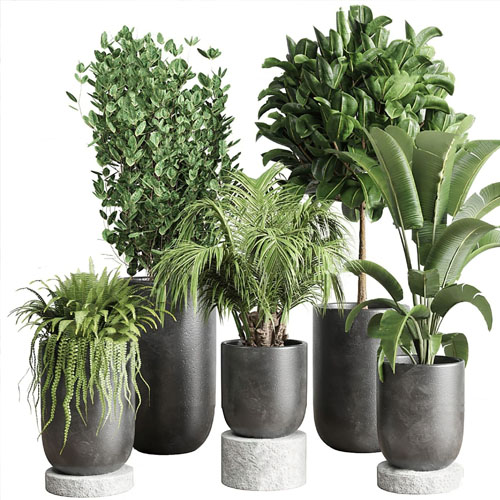 2.Decoration
  1.Plants
  2.Vase
 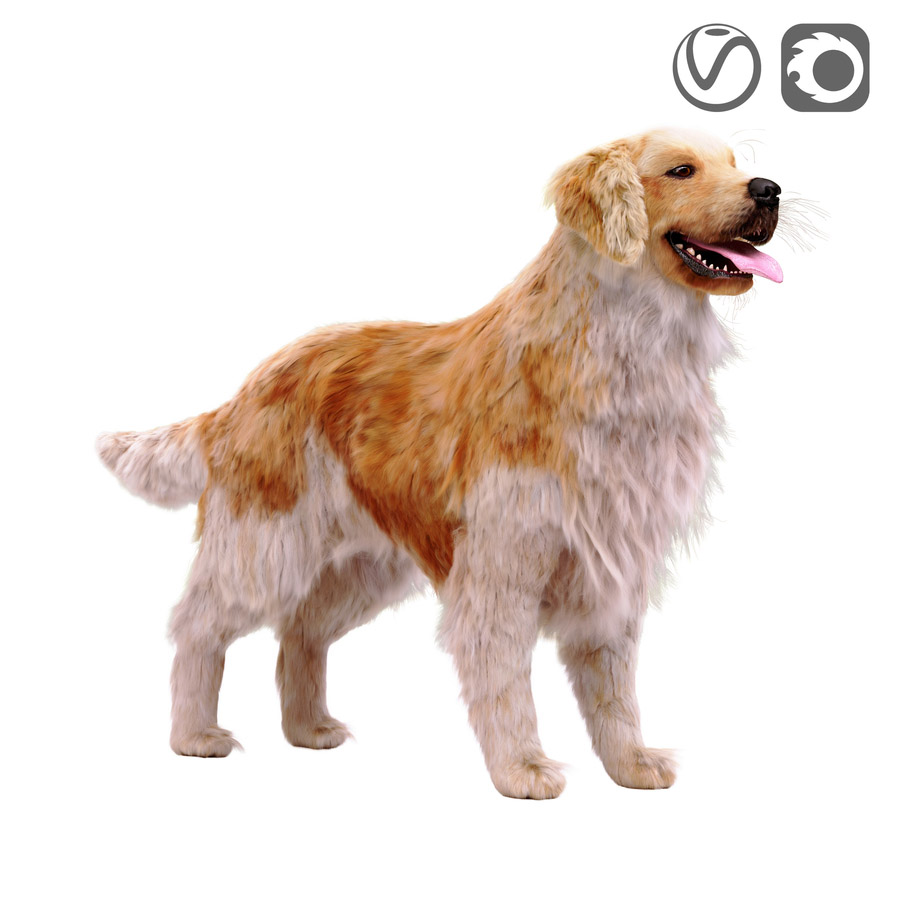 3.Animal
 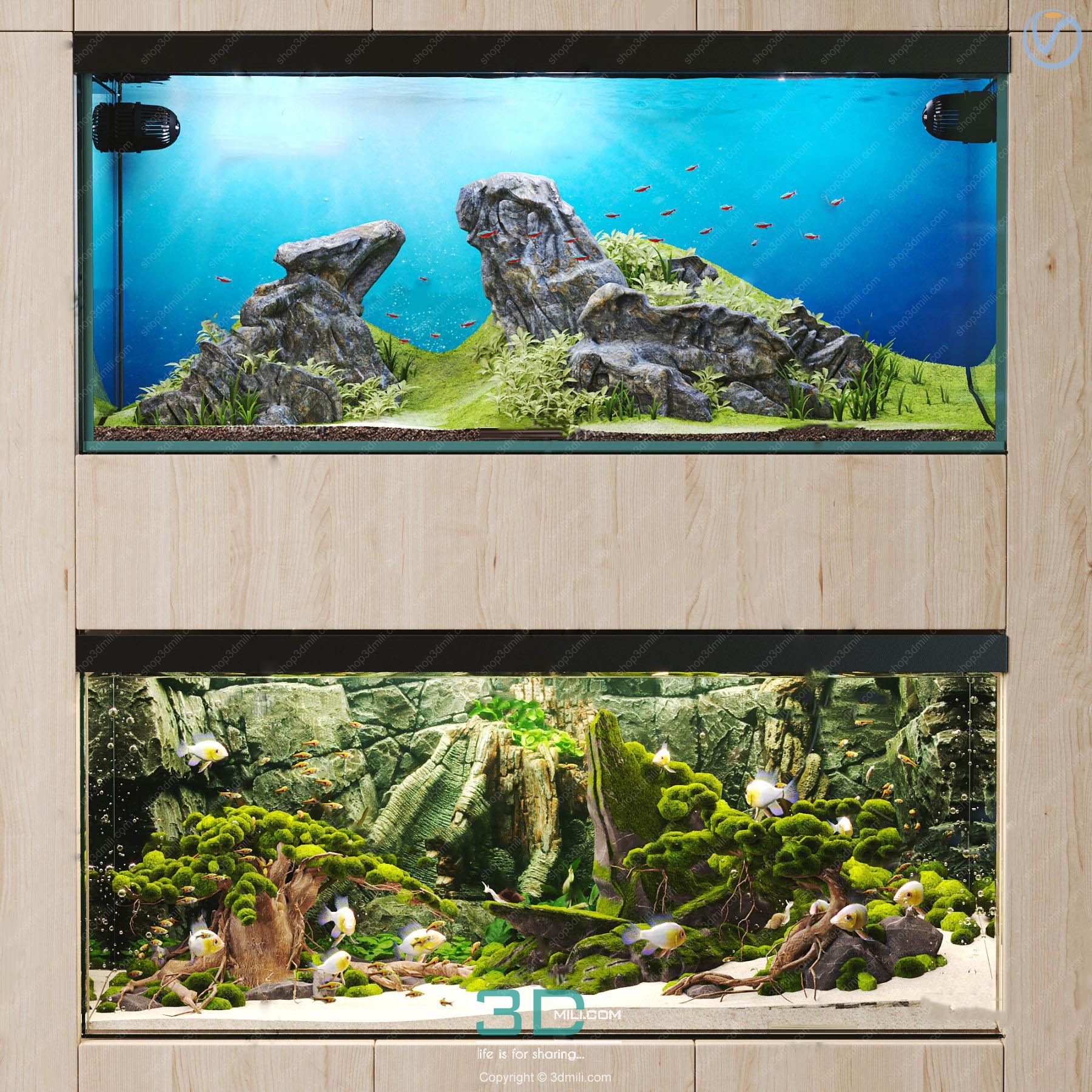 Aquarium
  Car – Bike
 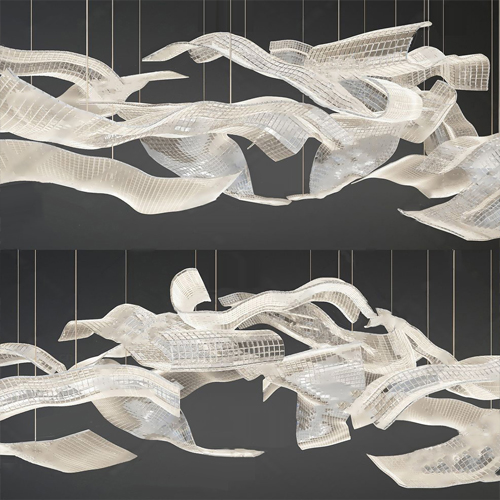 3.Lighting
 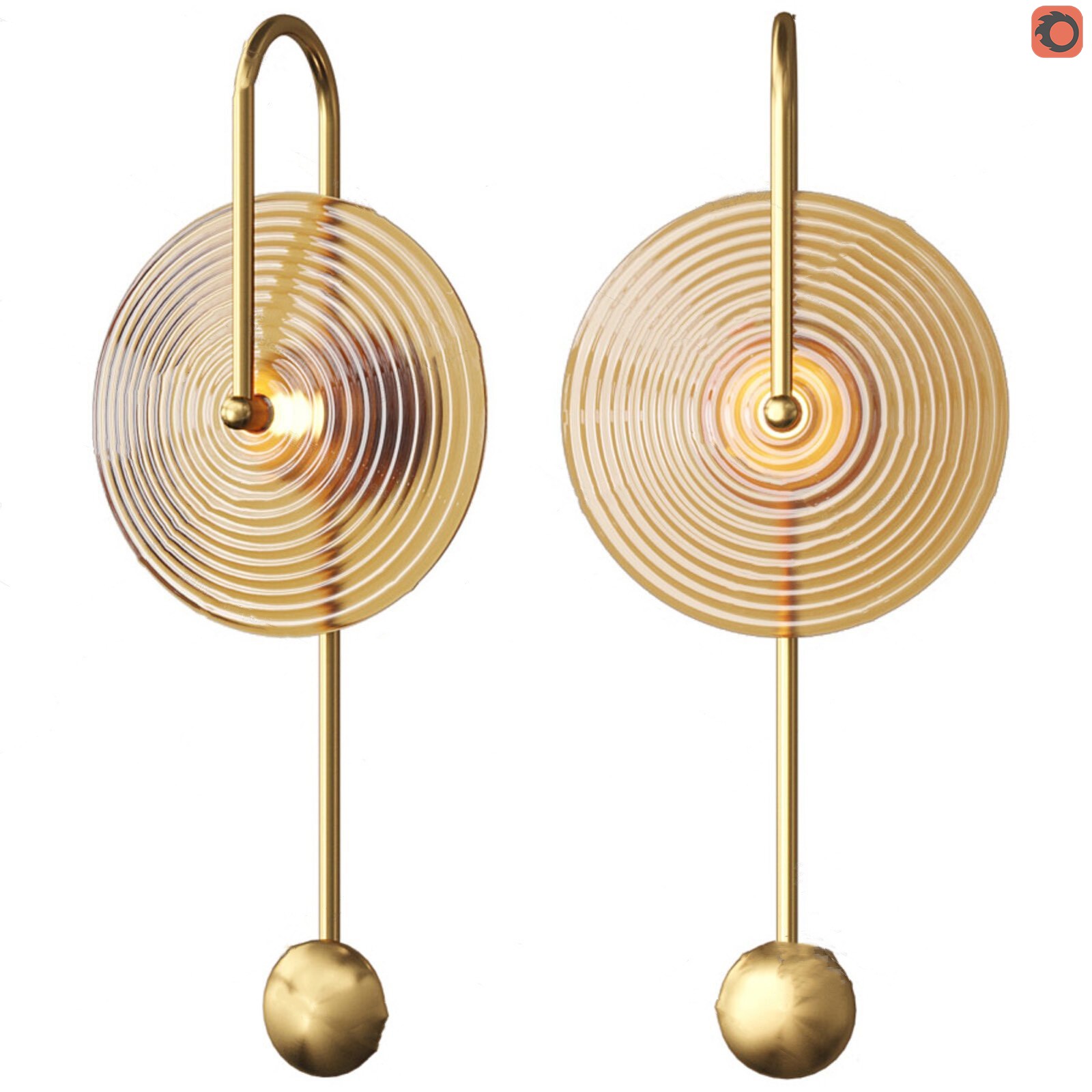 Wall light
  3dsky Model PRO
  Architecture
 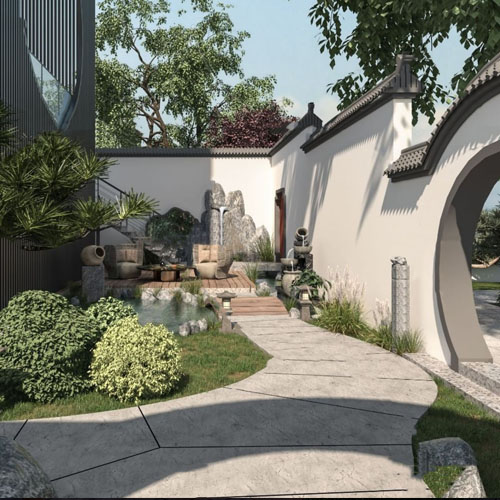 Miniature Garden
  Bathroom
  Childroom
  Evermotion Archexteriors
  FREE
FREE  Kitchen
  Materials
  Stone
Stone  Tile
Tile  OFFICE FURNITURE
  Sketchup
  Technology
  Textures
  Vip
Vip  3ds Max
  Photoshop
  Plugin
  Software

















[FLASH SUMMER – 2026]
.

CODE : 3DMILI30

Sweep Profile for 3ds Max
The ability to easily and accurately create architectural profiles is a valuable asset.
One of the tools that enables this is the Sweep Pro script from Kstudio.
This tool allows users to quickly create architectural moldings while modeling 3D interior or exterior scenes.
The main functionality of Sweep Pro lies in its ability to provide a fast and convenient way to build architectural profiles using the Sweep modifier.
The package includes pre-made architectural profiles (10 in the free version and 37 in the PRO version), giving users a solid foundation to start with.
But the functionality doesn’t stop there; users also have the option to add new profiles directly from the scene or by importing profiles from a specific folder.
Additionally, the tool offers a very convenient option to quickly adjust the size of profiles.
Key Features of Sweep Profile for 3ds Max
System Requirements for Sweep Profile for 3ds Max
Download Sweep Profile for 3ds Max (Full Version)
Sweep Profile Pro 1.01.36 for 3ds Max 2016–2026
Password Unzip: shop3dmili.com
How to Install Sweep Profile for 3ds Max


